
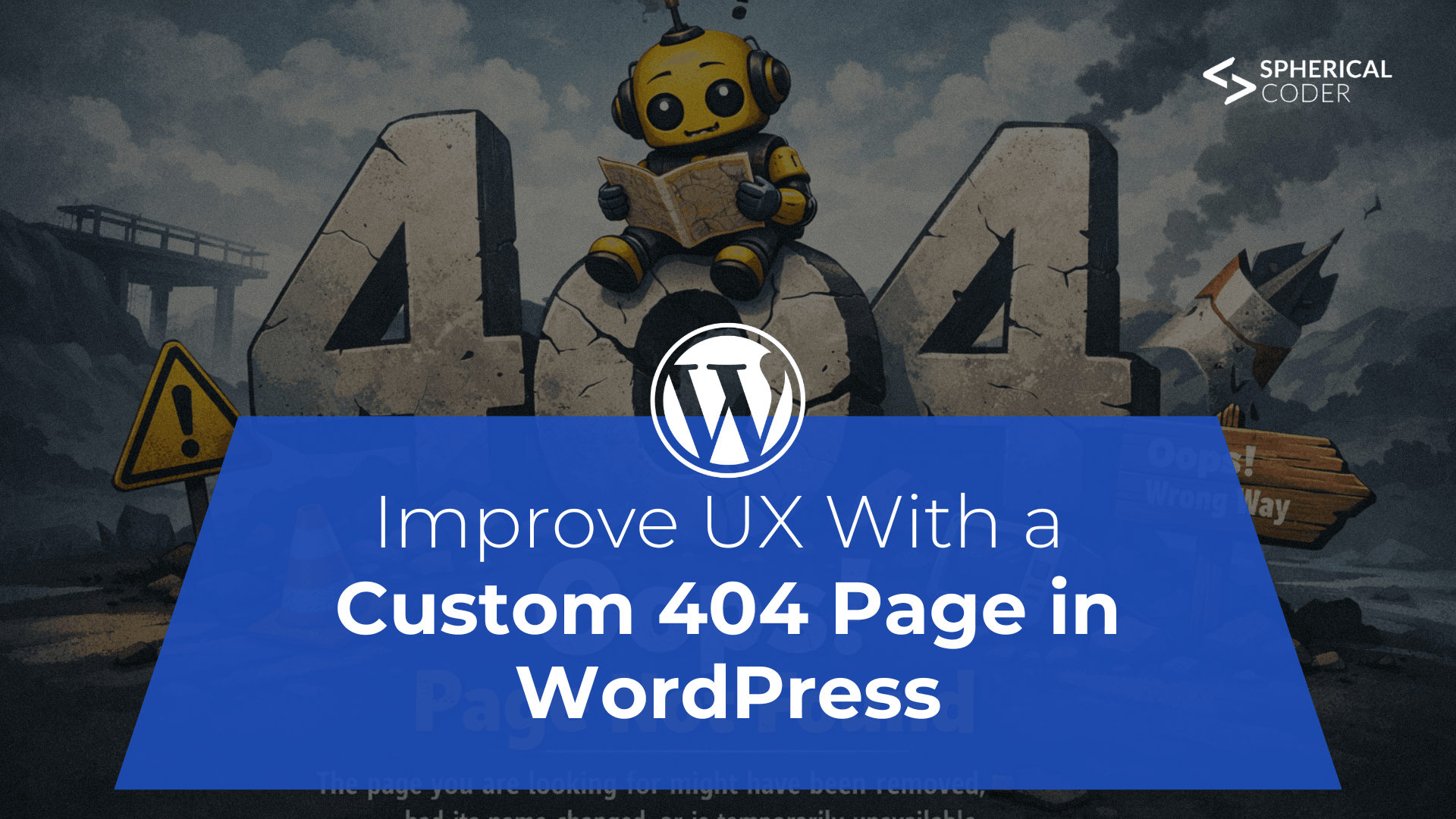
Improve UX With a Custom 404 Page in WordPress
A 404 “Page Not Found” error disrupts user experience, often causing visitors to leave after encountering broken, outdated, or mistyped links.
Improve UX With a Custom 404 Page in WordPress
Finding a "404 – Page Not Found" error is one of the fastest ways to ruin a browsing session. Users frequently become frustrated and quit the website completely when they come upon a missing page. Although the likelihood of broken pages is decreased by keeping proper internal links, 404 errors cannot be totally eliminated. Users can try to reach a page that is no longer available, follow an outdated bookmark, or write a URL incorrectly.
By designing a unique 404 page that redirects visitors back to helpful material, you can use that time as an opportunity rather than as the end of the visit.
Why A Custom 404 Page Matters
A well-thought-out 404 page enhances user experience and keeps users interested. A custom page can do the following instead of showing a generic error message:
- Reflect your brand’s personality (even add a bit of humor).
- Offer navigation links to important sections.
- Direct visitors to popular blog posts or products.
- Provide a search bar to help users find what they need.
- Include a form so visitors can report broken links.
Some site owners consider redirecting all broken URLs to the homepage. However, this creates confusion because users may not realize the page they tried to access doesn’t exist. Additionally, search engines like Google may treat these redirects as “soft 404” errors, which can negatively affect SEO.
Creating a dedicated 404 page is both more user-friendly and better for search visibility.
Ways To Create a Custom 404 Page in WordPress
Depending on your WordPress setup and theme, there are several ways to implement a custom 404 page.
Option 1: Edit Your Theme’s 404.php File
Many traditional WordPress themes include a built-in 404.php template file.
If you're comfortable working with PHP files:
- Go to Appearance → Theme File Editor in your dashboard.
- Select your active theme.
- Locate the 404.php file.
- Copy it into a child theme (recommended so updates don’t overwrite changes).
- Customize the content, design, and messaging.
- Save your updates.
This method allows complete control over layout and content.
Option 2: Copy A 404 Template from Another Theme
A default WordPress theme that has a 404.php file, which you can use if your current theme does not. Copying the 404.php file into your active theme folder and modifying it to fit the style and design of your website is the standard procedure. Some familiarity with PHP and HTML is helpful for this method.
Option 3: Duplicate index.php
Another approach is to duplicate your theme’s index.php file and rename it 404.php.
After renaming:
- Remove any code that displays posts.
- Replace it with custom messaging and helpful navigation elements.
- Replace it with custom messaging and helpful navigation elements.
Replace it with custom messaging and helpful navigation elements.
Using Page Builders
Creating a custom 404 page is usually simple with a site builder such as Divi, Beaver Builder, Elementor, or Oxygen.
The builders let you create a template inside their interface just for 404 problems. WordPress will automatically display your customized design anytime a URL that doesn't exist is browsed once it has been configured.
For precise instructions, go to your builder's documentation.
Turning Errors into Opportunities
A lost visitor is not always the result of a faulty link. You can keep users interested, direct them to pertinent content, and preserve a favorable brand impression by building a unique 404 page. A frustrating experience can be turned into a useful one by adding navigation links, search capabilities, or even creative messages.
Furthermore, monitoring 404 failures enables you to find out-of-date links and enhance the functionality of your website.
Try visiting your favorite websites and purposefully typing a nonexistent URL if you're looking for ideas. It's likely that you'll find imaginative and captivating 404 designs that inspire concepts for your own website.
Final Thoughts
Custom 404 pages are often overlooked, but they play an important role in user experience and technical SEO. With WordPress offering multiple ways to create one, from theme editing to plugins and Full Site Editing, there’s no reason to rely on a default error screen.
A well-designed 404 page keeps visitors on your site, strengthens branding, and helps maintain search performance, making it a small but powerful improvement for any WordPress website



